
Google Tag Manager Course
Learn how to manage website tracking without repeatedly editing website code. This practical course covers Google Tag Manager setup, tags, triggers, variables, GA4 events, advertising pixels, testing and safe publishing.
Training is delivered through guided demonstrations, practical exercises and a project-based outline. Confirm the current batch schedule, delivery format and course fee before registration.
Request Course Details ↗
Learn by Building
Suitable for marketing students, freelancers, business owners, website managers and professionals who need reliable website measurement.
- Build a clear measurement plan.
- Practice with website and campaign events.
- Validate data before trusting reports.
- Document the setup for future maintenance.
Apply the Skills
Implement a sample tracking plan for a course landing page: GA4 page view, form submission, WhatsApp click and one ad-platform conversion event. Validate each event in preview mode and prepare a tag/trigger documentation sheet.
Learning Outcomes
Install and manage GTM, configure tags and triggers, send events to GA4 and ad platforms, debug tracking and publish changes with a documented QA process.
What You Will Learn
Course modules can be adapted to learner level and batch duration.
Tag Manager Foundations
What GTM does, how it differs from Google Analytics, containers, accounts, workspaces, versions and access roles.
Install GTM on Websites
Create a container, understand the head/body snippets, add GTM to WordPress and Shopify, and verify the installation.
Tags, Triggers & Variables
Configure page-view tags, click triggers, form events, built-in variables, data layer basics and reusable naming rules.
Google Analytics 4 Setup
Connect a GA4 property, configure the Google tag, send recommended events and verify incoming data.
Conversion & Lead Tracking
Track form submissions, phone/WhatsApp clicks, button clicks, thank-you pages and key conversion actions.
Advertising Pixels & Integrations
Understand Google Ads conversion tags, Meta Pixel and TikTok Pixel integrations, event mapping and duplication checks.
Preview, Debug & QA
Use Tag Assistant preview, inspect firing conditions, check missing or duplicate events and document test results.
Consent & Privacy Basics
Understand consent choices, consent-aware tag behaviour, data minimization and when to seek privacy/legal guidance.
Version Control & Publishing
Review workspace changes, create versions, write release notes, publish safely and plan rollback steps.
Measurement Plan & Documentation
Create an event naming plan, tag inventory, trigger matrix, QA checklist and handover documentation.
Our Students’ Results
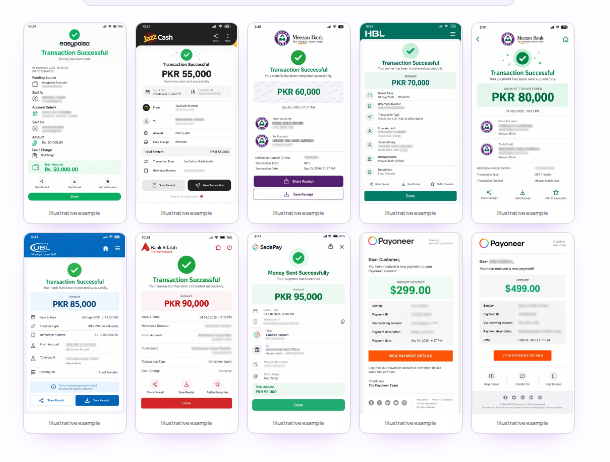
Our students have earned by providing AI services to clients, including website creation, branding, AI ads and marketing.
Illustrative examples only. To protect student and client privacy, we do not publish actual payment screenshots.
Ready to Learn Google Tag Manager?
Tell us your current skill level and preferred batch timing.
Contact AhneX ↗