 AHNEXINNOVATION UNIVERSITYLEARN. PRACTICE. GROW.
☰ Menu
Graphic Designing Illustrator & Photoshop
A professional graphic designing course covering design fundamentals, Adobe Illustrator for vector artwork and logos, and Adobe Photoshop for image editing, composites and marketing creatives.
Course structure: topic sequence and practical activities can be adapted to the selected batch and learner level. Confirm current schedule and fee before registration.
Ask About This Course ↗ All Courses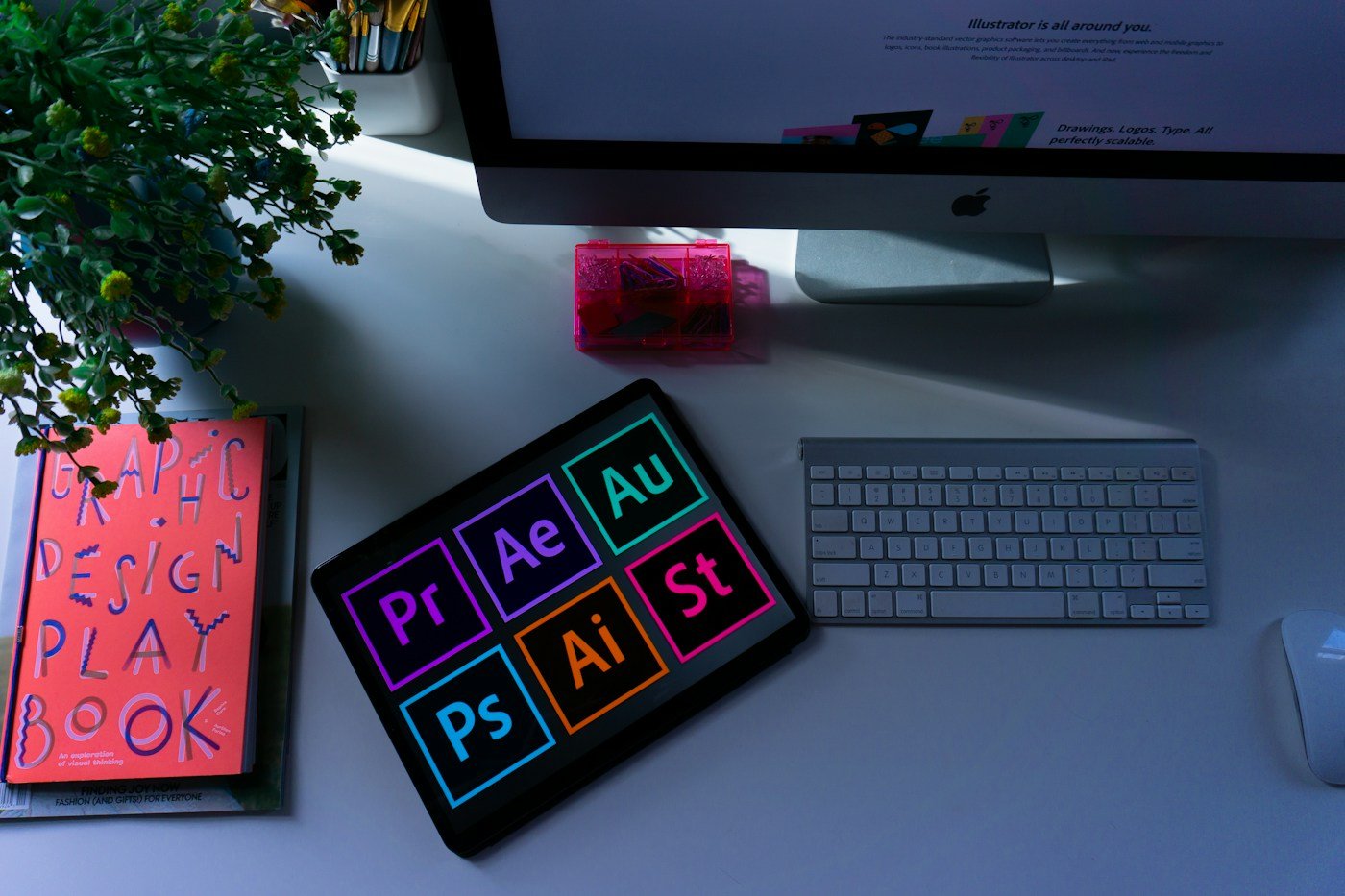
Who Should Join?
This course is suitable for beginners and learners who want a structured foundation, as well as professionals who want to review their workflow. No outcome or employment placement is guaranteed.
- Students and career changers
- Freelancers and service providers
- Entrepreneurs and small business teams
- Professionals upgrading practical skills
What You Can Build
Create vector graphics in Adobe Illustrator, edit images and composite designs in Adobe Photoshop, follow brand systems and prepare polished portfolio work.
Practical Project
Design a mini brand kit and a set of social posts plus two advertising creative variants.
What You Will Learn
Topics are organized into practical modules to help learners understand concepts, apply them, and review their work.
Design Foundations
Visual hierarchy; alignment; contrast; spacing; grids; balance; composition and readability.
Typography & Color
Font pairing; type scale; color psychology basics; contrast; palette building; brand consistency.
Adobe Illustrator
Vector shapes, pen tool, paths, curves, anchor points, typography, logo creation, icons, brand marks, artboards and export settings.
Social Media Design
Square, portrait and story layouts; content series; carousel logic; platform-safe composition.
Advertising Creatives
Offer hierarchy; product and service ads; headline placement; CTA clarity; variation testing.
Brand Identity Basics
Logo usage; color and type rules; brand boards; consistent asset systems; misuse prevention.
Presentation & Print Basics
Slide structure; poster layout; resolution; export settings; print versus screen considerations.
Adobe Photoshop
Layers and masks, selections, retouching, image correction, background removal, composites, mockups, social-media designs and export for web.
How Learning Works
- Topic explanation and instructor demonstration.
- Practical exercises and guided assignments.
- Project work based on a sample business or learner-selected brief.
- Review, feedback and next-step recommendations.
Class format, duration, batch timings, certificate eligibility and fee are confirmed for each intake. Ask the team for current details.
Our Students’ Results
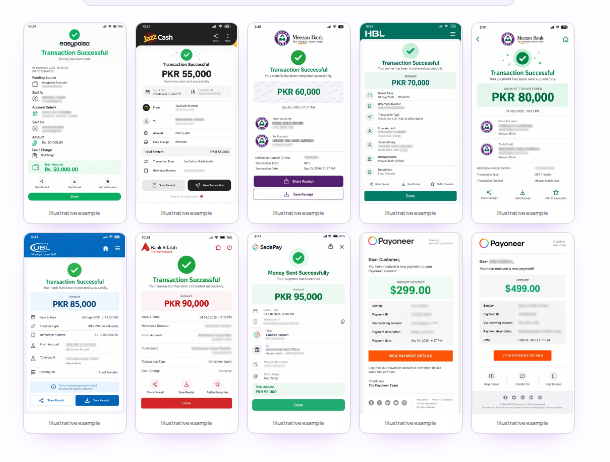
Our students have earned by providing AI services to clients, including website creation, branding, AI ads and marketing.
Illustrative examples only. To protect student and client privacy, we do not publish actual payment screenshots.
Ready to Learn Graphic Design?
Ask for the current batch schedule, course fee and registration instructions.
Learn. Practice. Grow.
Practical digital education for your next step.
© 2026 AhneX Innovation University. All rights reserved.